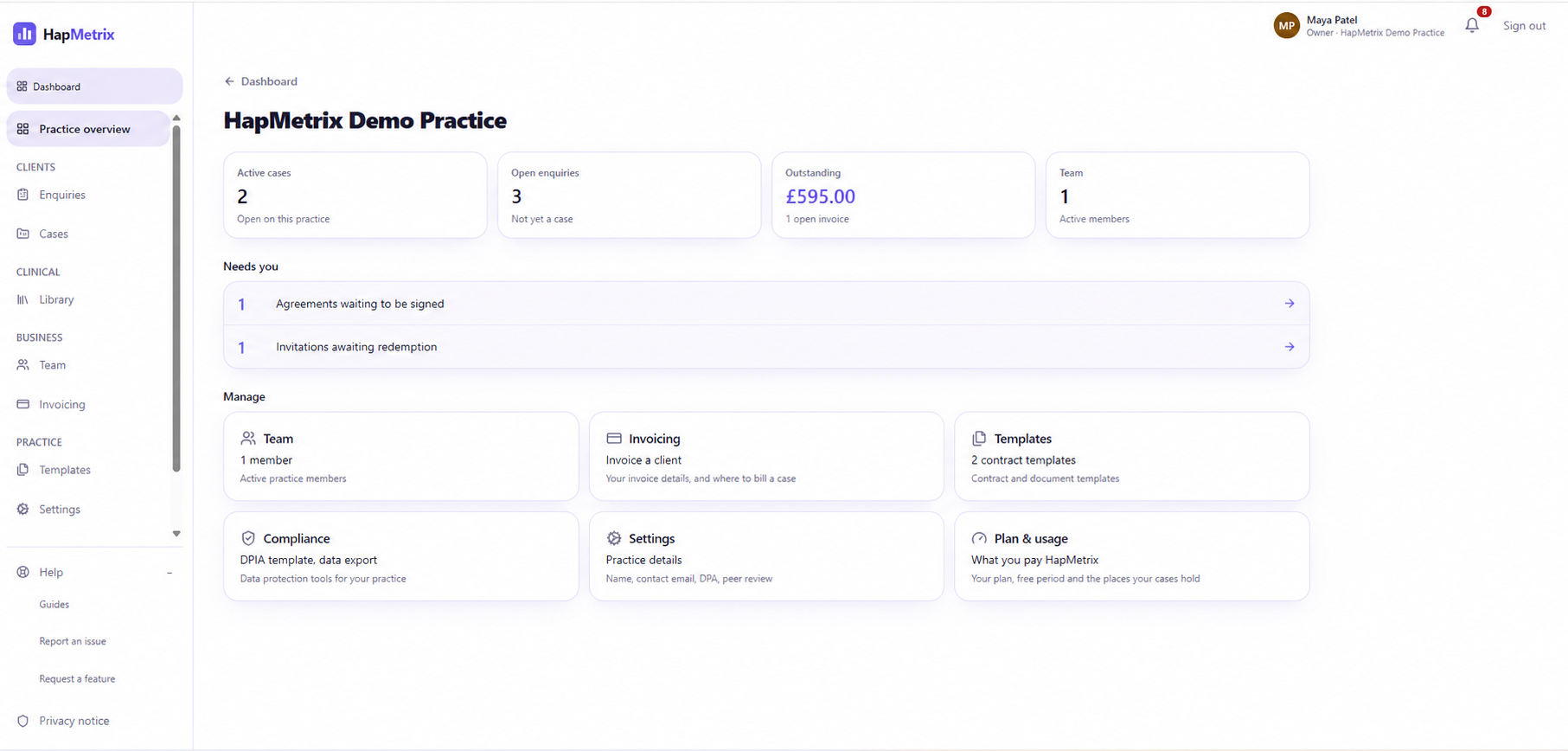
1 · First contact
A client gets in touch. Record the enquiry. Send the contract.
The practice captures the enquiry in HapMetrix, then sends a secure contract when the client is ready.

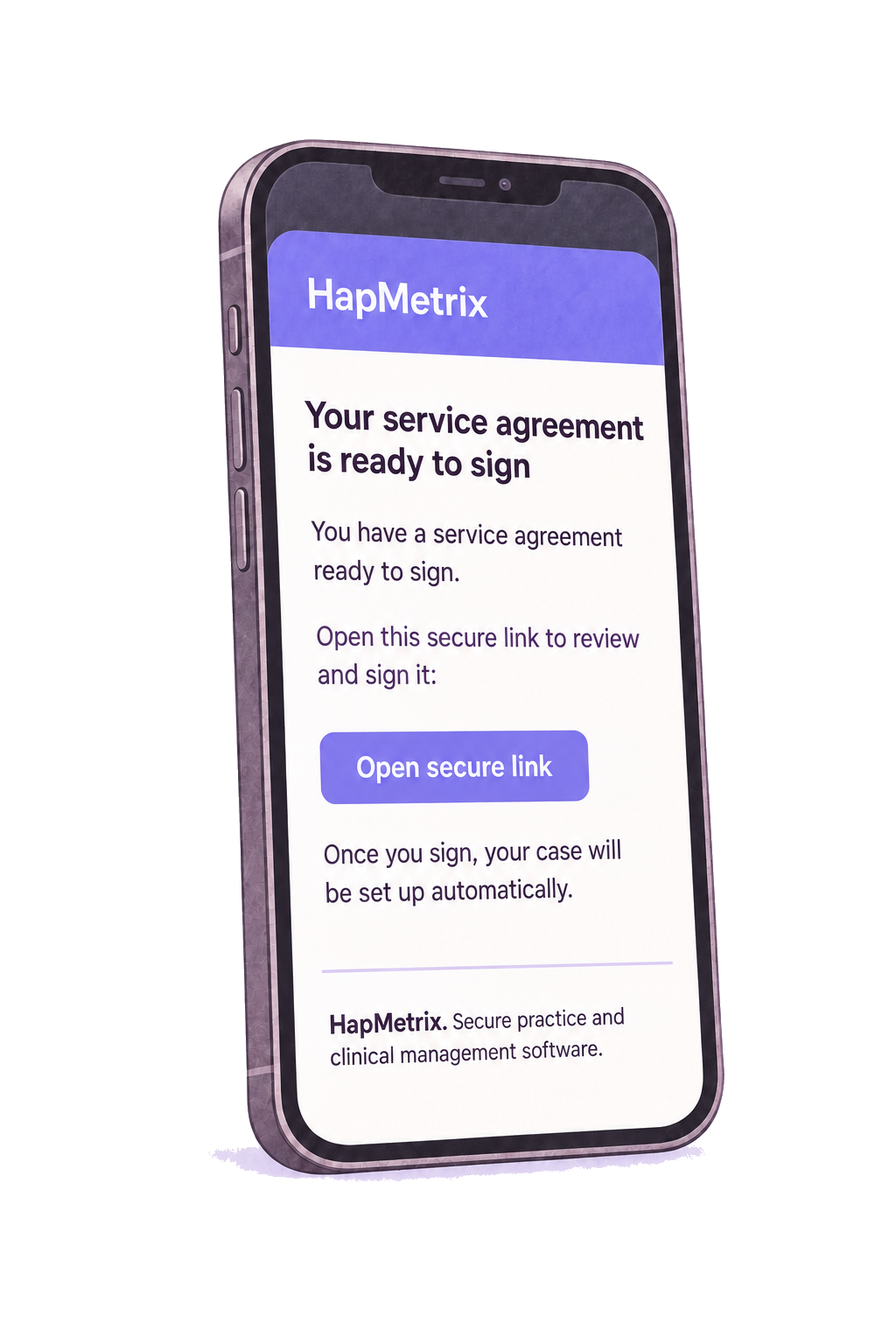
2 · Agree and activate
The client signs the contract. HapMetrix creates the case.
Once the contract is signed, the active case record is created automatically. The signed agreement is then available within the case.

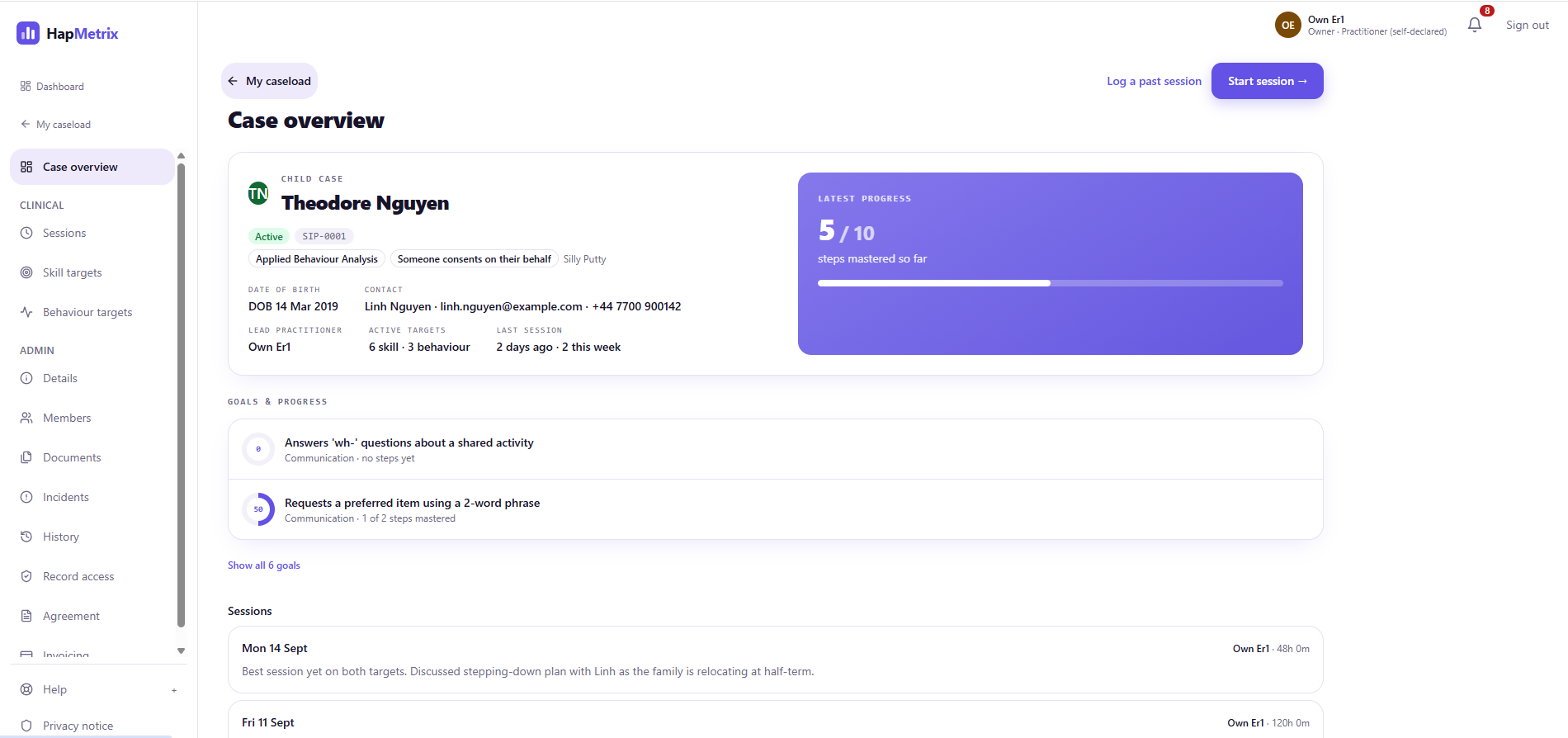
3 · The connected case
Everything around the case has a place.
Client details, team access, active targets, sessions and current progress are visible in one case record.
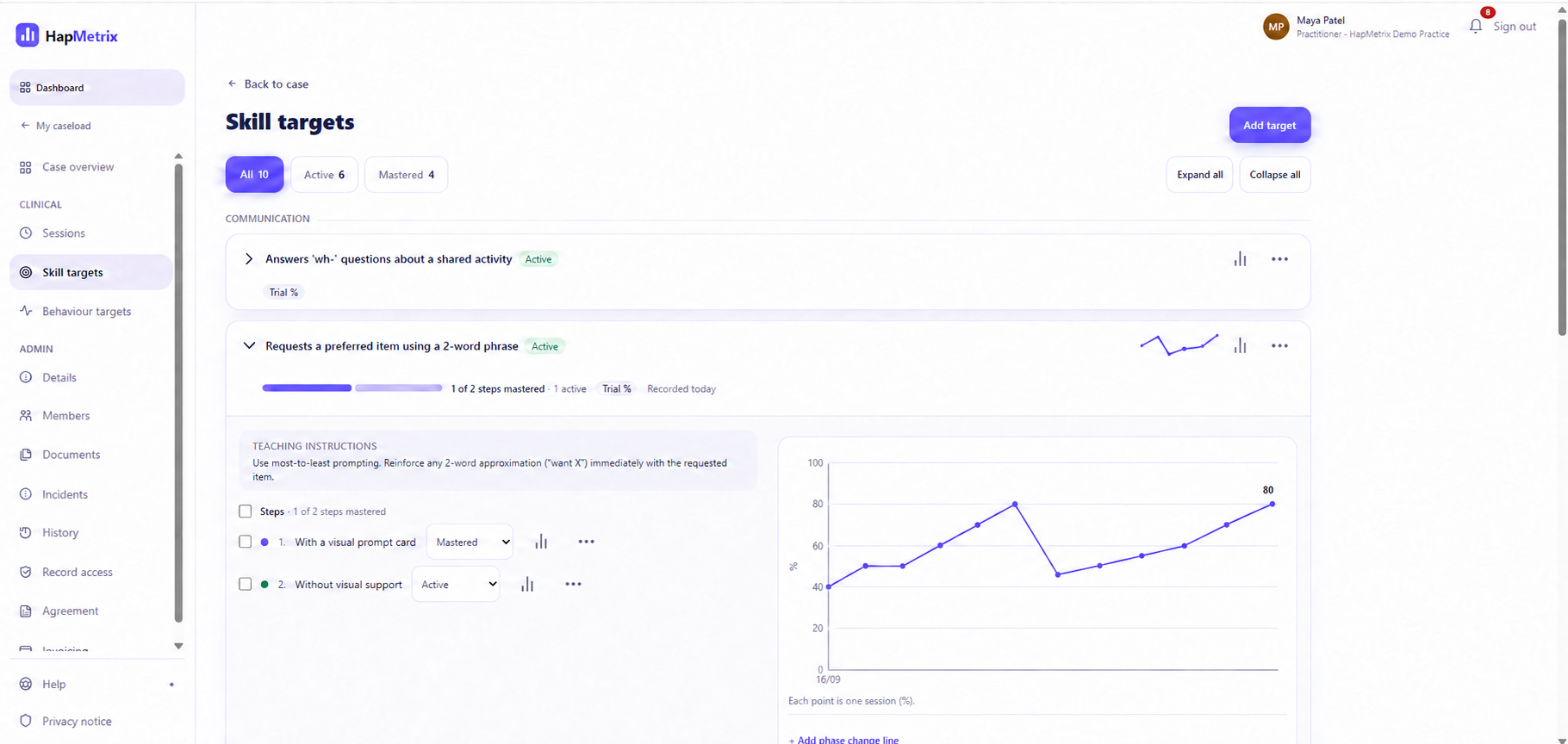
4 · Clinical work
Targets and data make progress visible.
Practitioners record data against targets and review a visual progress history within the relevant case.
5 · Billing
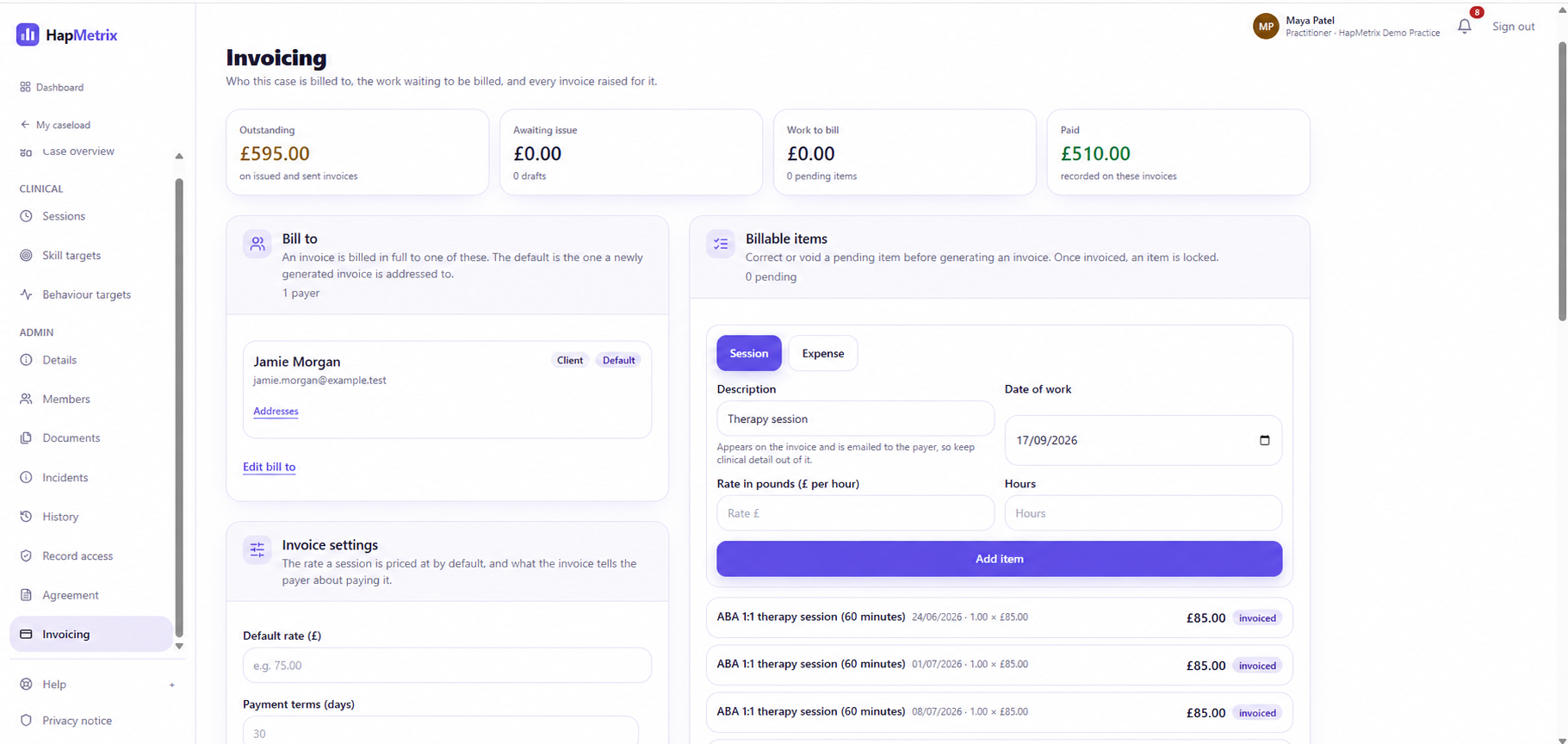
Create the invoice from the work already recorded.
Billing remains linked to the case. When work is complete, the practice can follow the discharge and archive workflow.
6 · The practice view
Run the practice. Manage the case.
Enquiries, contracts and agreements, team and invoices sit alongside live case work in one clear practice view.